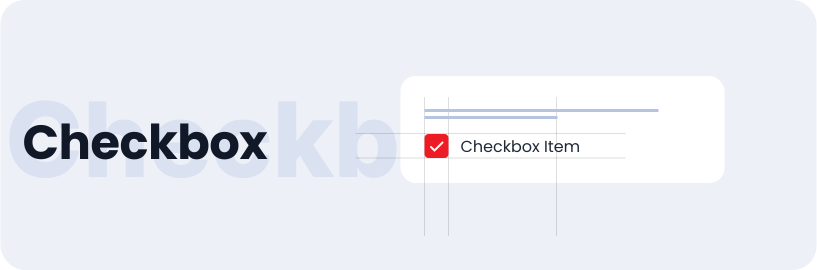
Checkbox
Checkboxes let users choose multiple options, with each checkbox working independently. It can be used in forms, taking consents and terms & conditions.
Usage
- Choosing multiple options from a list
- Easy selecting and deselecting of options without affecting others
Anatomy
The checkbox component includes a title, an interactive checkbox icon, and a descriptive label, providing visual and textual representation of the selection.

Variant
The checkbox component comes in various variants, including those with label and those without label, which can be utilised as per the design requirements.
With checkbox title
Without checkbox title
With text label
Without text label
States
Checkboxes can be selected (checked) or unselected (unchecked) and have states like default, hovered, and disabled.
Checkbox Button
Select / Default
Select / Disabled
Checkbox Icon
Select / Default
Select / Disabled
Sizes
Checkbox are available in small, medium and large sizes.
Small
Medium
Large
Specifications
Structure and spacing measurements for checkbox.

Live Demo
The checkbox is demonstrated in a live environment in this demo.