Menu
The Menu component provides a flexible and customizable way to display a dropdown menu with various items and sub-items. It supports a range of features, including nested menus, separators, and positioning options.
Usage
- Navigation: For creating a dropdown menu with multiple options or actions.
- Contextual Actions: To provide context-sensitive options based on the current user interaction or selection.
- Nested Menus: When you need hierarchical or grouped menu items.
Anatomy
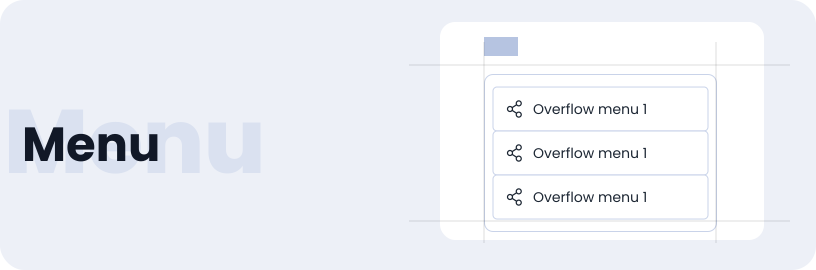
The menu contains text labels paired with icons, all organised within a container.

Options
The Menu component comes in three options: base, nested, and icon
Base Menu
Nested Menu
With Icon
Specifications
Structure and spacing measurements for menu.

Live Demo
The Menu is demonstrated in a live environment in this demo.