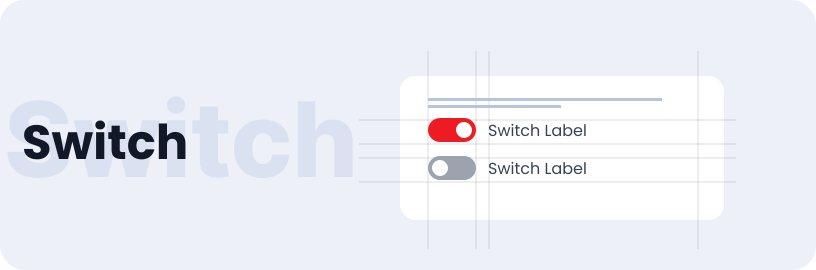
Switch
The Switch component is a switch that allows users to toggle between two states, such as on/off, enable/disable, or show/hide.
Usage
- Switching between light and dark modes in apps
- Allow users to toggle notifications on or off
- Use toggles to enable or disable features or settings
Anatomy
A Switch is composed of a container housing a switch thumb, a button label, and accompanying text, all contributing to the functionality and appearance of the switch component

Variant
Variant of Switch button include with text label and without text label.
With Text Label
Without Text Label
States
Switch can be selected or unselected. Switch have default, hovered & disabled states.
Switch
Selected / Default
Selected / Disabled
Unselected / Default
Unselected / Disabled
Toggle Icon
Selected / Default
Selected / Disabled
Unselected / Default
Unselected / Disabled
Specifications
Structure and spacing measurements for switch.

Live Demo
The Switch is demonstrated in a live environment in this demo.