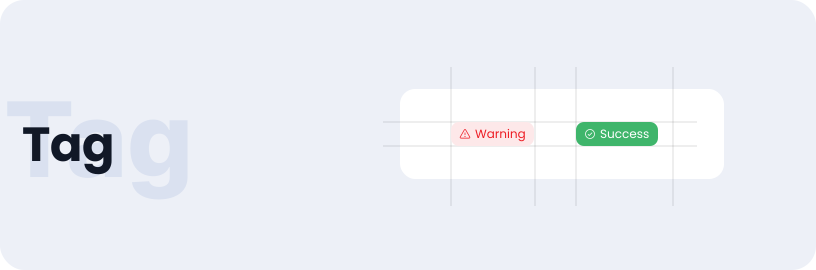
Tag
Tags serve as visual or textual indicators that convey the status, category, or other important attributes of a specific item or task within a system.
Usage
- Tags can be used for information that changes with time or other parameters.
- It offers different status like failure, success, and warning.
Anatomy
The tag component is composed of a container containing a text label and an associated tag icon for enhanced visual representation.

Variant
The tag component has two variants: status tag and nudge tag.
Dark tone
Default
Light tone
Default
States
Different states of the tag component.
Dark / Default
Default
Dark / Success
Success
Dark / Pending
Pending
Dark / Warning
Warning
Dark / Info
Info
Light / Default
Default
Light / Success
Success
Light / Pending
Pending
Light / Warning
Warning
Light / Info
Info
Sizes
Tag component are available in small, medium and large sizes.
Small
Small
Medium
Medium
Large
Large
Specifications
Structure and spacing measurements for tag.

Live Demo
The Tag is demonstrated in a live environment in this demo.