Tooltip
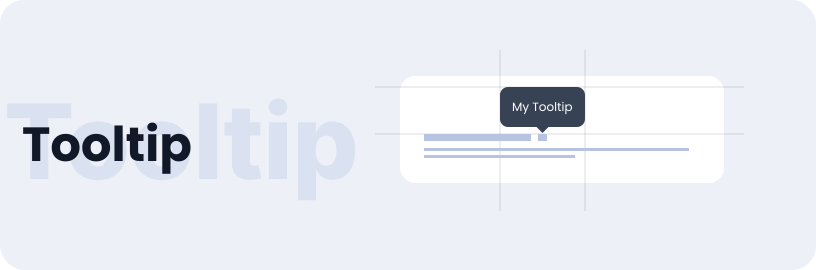
Tooltips display additional information upon click, hover, or focus. The information should be contextual, useful, and nonessential.
Usage
- Displays additional content as an overlay within the context of a component.
- A tooltip offers extra information, such as UI shortcuts.
- Particularly useful when a component lacks clarity and needs additional instruction or information.
Anatomy
The tooltip includes a container with text and a directional arrow.

Mode
Mode of the tooltip component includes light and dark mode.
Dark
Light
Options
Tooltip have various options in dark and light modes.
Dark / Bottom
Dark / Top
Dark / Left
Dark / Right
Light / Bottom
Light / Top
Light / Left
Light / Right
Specifications
Structure and spacing measurements for tabs.

Live Demo
The Tooltip is demonstrated in a live environment in this demo.