Typography
Typography can help users navigate products or experiences in a clear manner, organise information, and make hierarchies clear.
Typography is a foundational element in user experience design, guiding users through products or experiences by organising information, establishing hierarchy, and ensuring readability. Clear typography choices, including font styles, sizes, and colours, enable effective navigation, differentiation between sections, and easy comprehension of information
Primary Typeface
Poppins
Poppins is a modern sans-serif typeface with geometric shapes and clean lines. Ideal for web and print, it offers various weights for visual hierarchy and is perfect for headlines, body text, and UI elements.
Style Name
Font Weight
Font Size
Line Height
Display
2XL
2XL
2XL
2XL
XL
XL
XL
XL
lg
lg
lg
lg
md
md
md
md
Heading
H1
H1
H1
H1
H2
H2
H2
H2
H3
H3
H3
H3
H4
H4
H4
H4
Body
xl
xl
xl
xl
lg
lg
lg
lg
md
md
md
md
sm
sm
sm
sm
Caption
lg
lg
lg
lg
md
md
md
md
sm
sm
sm
sm
Alternative Typeface
Source Sans Pro
Source Sans Pro is a versatile font, suitable for both digital and print applications. As an open-source Google font offering a variety of styles, it acts as a reliable alternative when our primary font, Poppins, is inaccessible. This ensures consistency and clarity throughout all design elements.
Mandatory Typeface
Times New Roman
Times New Roman, a serif typeface, is designated strictly for use in disclaimers and terms & conditions. It should not be used for any other text in communications outside of these specific purposes. Please ensure that Times New Roman is reserved solely for the mentioned purpose.
Usage of typography
Display
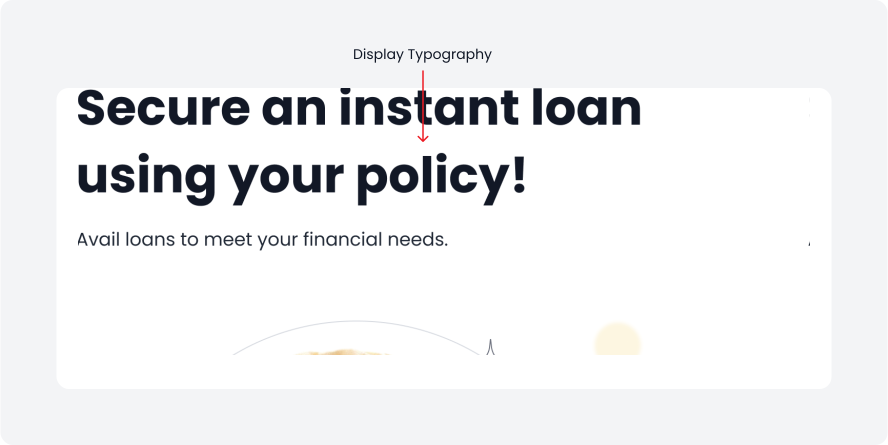
The largest text on the screen is called Display style, ideal for short, important text or numbers, especially on larger screens.
We offer four sizes for Display style.
Heading
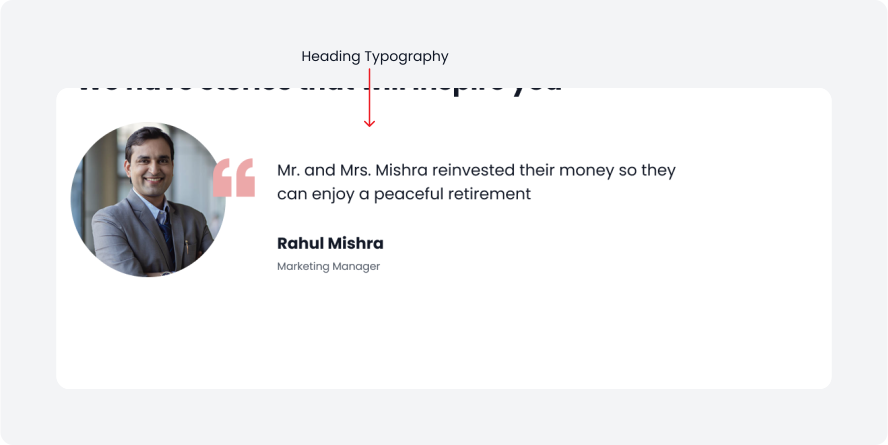
Heading are perfect for short, impactful text on smaller screens, effectively highlighting key passages or important content areas.
We offer four size options for headings, suitable for various elements like headlines, navigation, and section headings.
Body
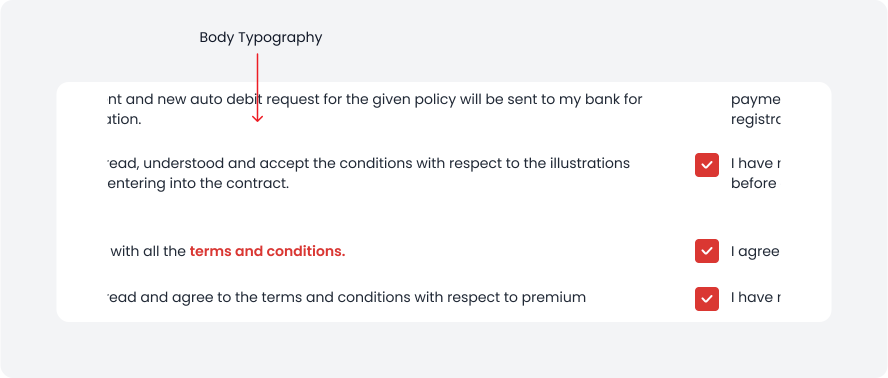
Body styles are used for longer text passages within your app. Choose typefaces specifically designed for body text to ensure readability at smaller sizes and comfort for extended reading.
We offer four sizes for body style text.
Caption
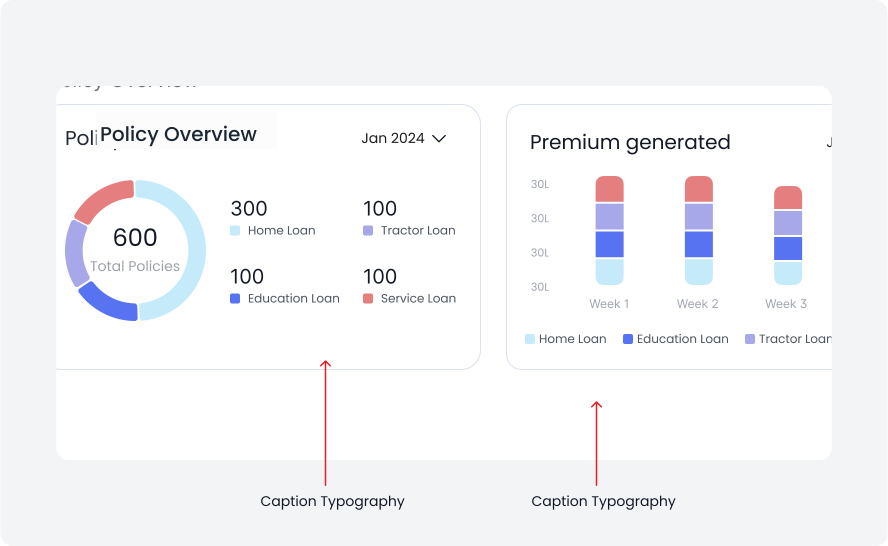
Caption styles can be used to add supporting information or tags that enrich the content.
We offer three sizes for caption text.